
About Iconiq
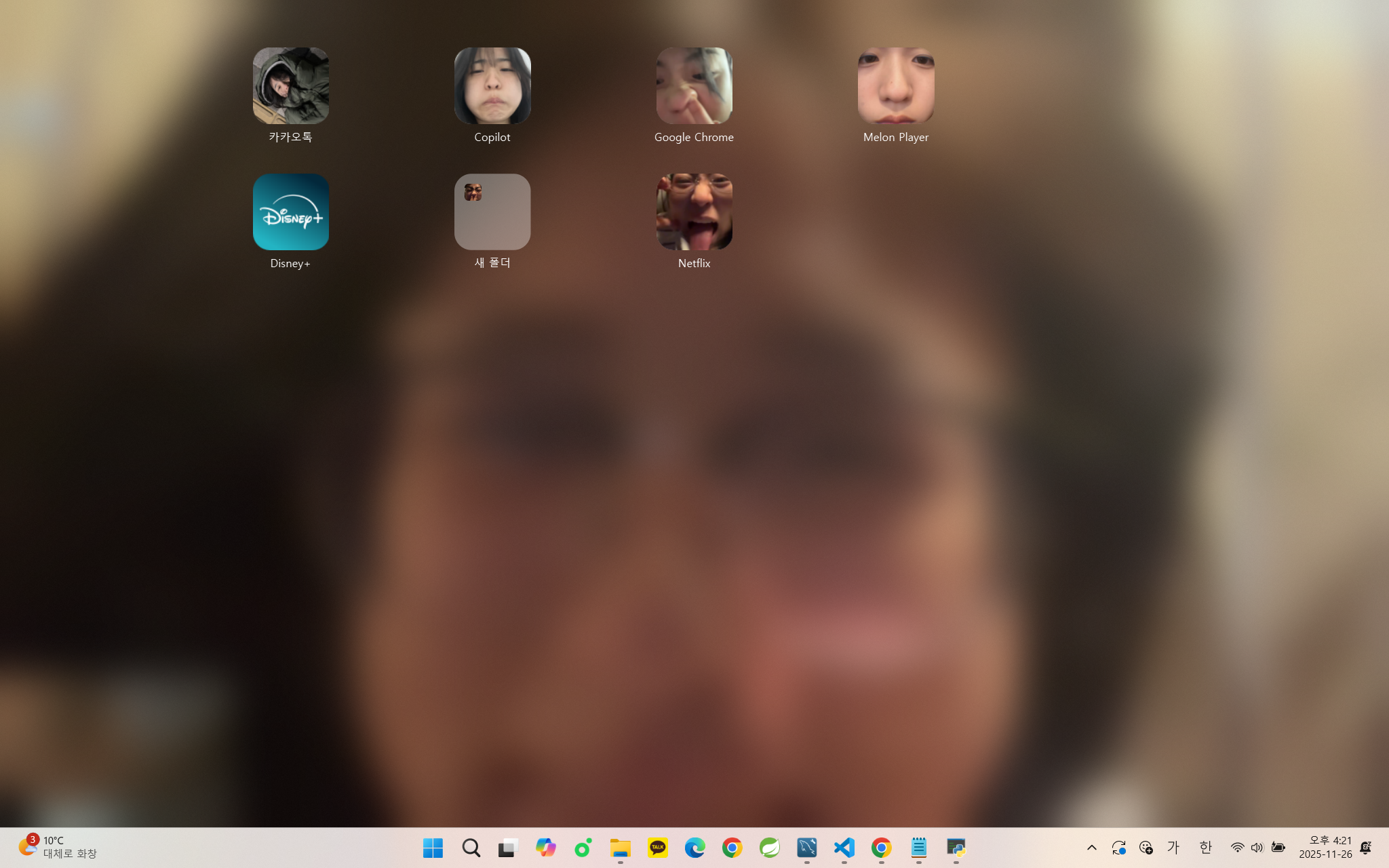
Iconiq is more than just a tool for decorating your desktop; it is a desktop environment
management solution that reorganizes your Windows desktop using icons, folders,
widgets, and its own layout system.
You can find instructions for installing Iconiq and completing the initial setup in
Getting Started with Iconiq.
Depending on the plan, users can increase the number of supported devices and
use a wide range of features—including folders, icons, and widgets—without limitations.
Desktop Customization
With Iconiq, users can arrange and configure icons, folders, and widgets according to their
personal preferences, and the grid layout helps create a cleaner and more organized
desktop environment.
In addition to Iconiq’s built-in icons, users can also create and edit their own custom icons.
Supported Devices
Iconiq is available on PCs running Windows 11 or Windows 10.
For the best experience, please check the system requirements before use.
By combining folder structures and widgets, it helps improve workflow efficiency and
focus, making it a comprehensive desktop environment management solution.
Membership & Pricing
Iconiq offers a free plan that provides basic desktop customization features.
However, some features—such as the number of folders that can be created—are limited under the free plan.
With a paid plan, these limitations are expanded, allowing users to freely use most
features, including folders, icons, and widgets.
Memberships can be canceled at any time, and no charges will be applied starting from
the next billing cycle after cancellation.
Getting Started
ou can start using Iconiq right away by following these steps.
- Create an account on the official Iconiq website.
- Choose the plan that suits your needs.
- Install the program and apply icon packages and widgets from the Market.
Fees are automatically billed monthly, starting from the date the plan begins.
 Continue with Google